Git for your AI context
Think Git, but for AI prompts & context.
You’re throwing away your best AI work.
When your AI compacts a long conversation, the detail is gone: what you tried, what failed, why you chose this over that. Axiom kept every line.
GitHub stores the history of the code.
Axiom stores the history of how the code became the code, who built it, and how it came to life.
Your code stays yours
- Read on your computer: your Claude Code, Codex and OpenCode sessions. Keys and passwords are cut there first. Projects you leave out (
axiom exclude) and time you pause are never read. - Your words stay on your computer, in the Axiom Lift app. Axiom may process them briefly to build intelligence (statements, links, what replaced what) but does not store them. Our model provider keeps nothing beyond its 30-day abuse check.
- Axiom keeps the structure: random ids, links, ratings and patterns. No words and no names.
- Never leaves: your repositories (nothing is cloned or pushed), pictures from your chats, and your account token (kept in your Mac's Keychain).
- You control it: keep everything, only the projects you choose, or only when you ask (
/ax); pause any time.axiom inspectshows exactly what is about to leave, and Account → Delete removes everything. Privacy
- Your computerReads your sessions, cuts secrets, keeps your words in the Axiom Lift app.
- AxiomWorks out what holds now, what it replaced and the evidence. It keeps only ids, links and ratings.
- Claude / CodexGets the minimum correct state, about 500 tokens instead of 50,000 of history, plus one question if your prompt could mean two things.
What does Claude bring out in you?
All eight emotions, your stress score and what sets you off.
Measure it →How much does Claude forget?
What survived each compaction of your sessions, item by item.
Test your memory →How do you compare?
Most stressed, most swearing, most polite, and whose Claude says sorry most.
See the board →Give Claude a memory.
Every Claude Code, Codex and OpenCode session kept. Tell it once.
Get it →Saved as you work. Fed back into your next session, in any tool, when the problem comes round again.
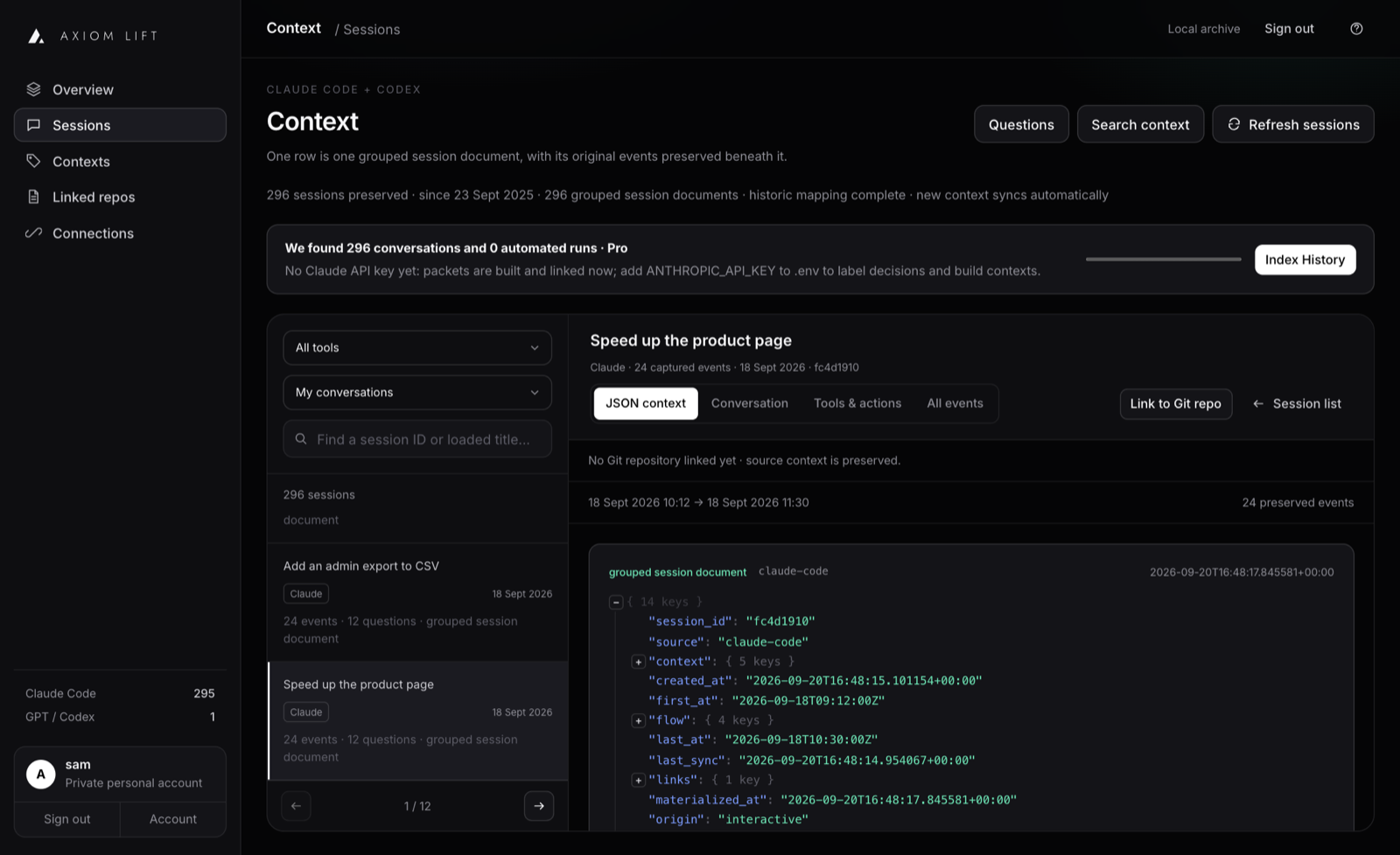
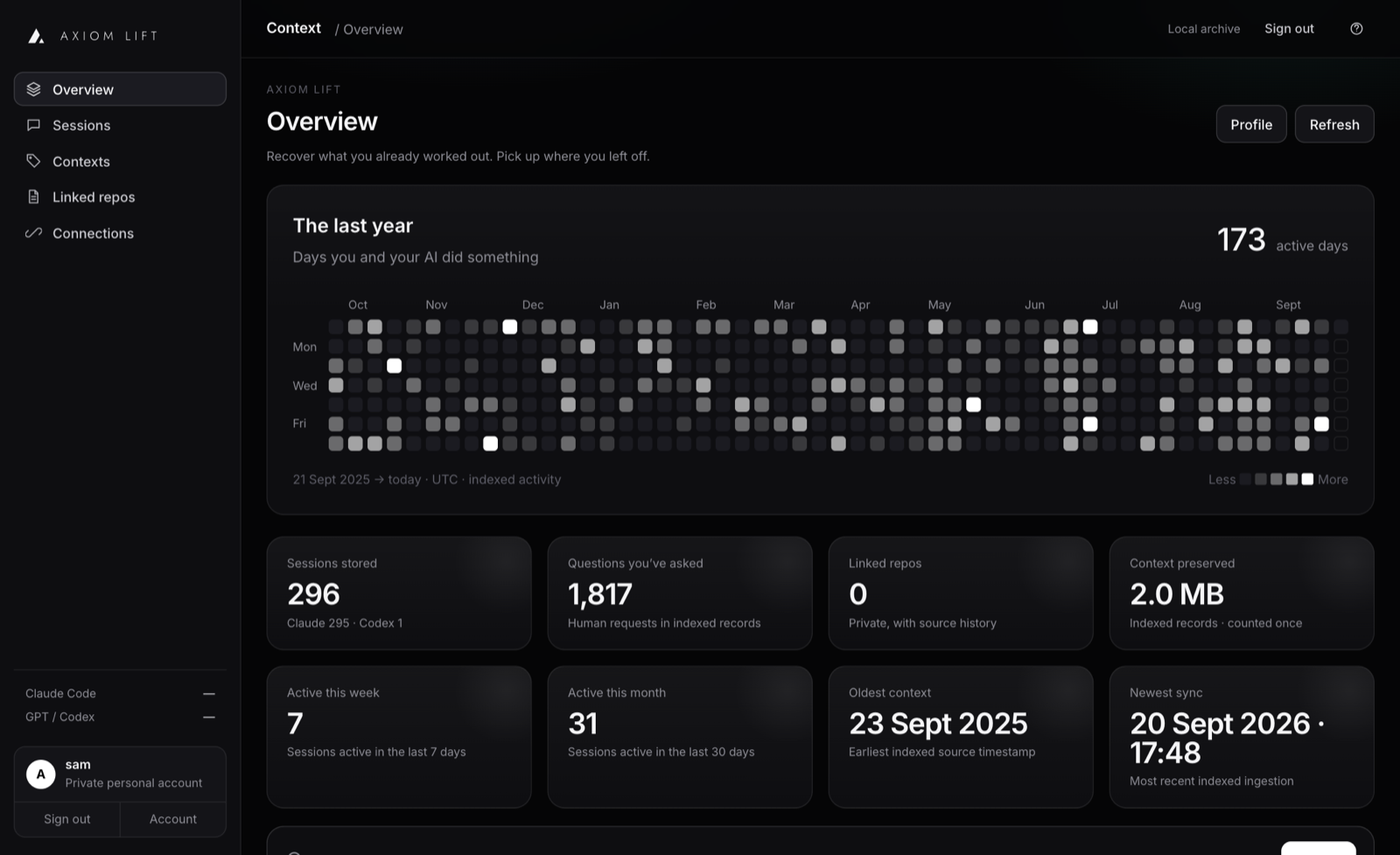
It saves every prompt, decision, requirement and result from Claude Code, Codex and OpenCode, automatically, as you work. Every requirement tracked. Every change with history.
So when the same problem comes back next month, your AI pulls up what you already worked out. You never explain yourself twice.
Save everything. Free.
Watch the intro
How it works.
Axiom stores the history of how the code became the code: who built it, and how it came to life.
Store it once. Any AI reads it back. Forever.
Axiom sits beside your tools. It saves what they do as they do it, and hands it back when you need it. A few lines, not the whole history.
every line
Every prompt, decision, requirement, test and commit. Kept for good.
it back
Your AI remembers where you left off.
Your work should not reset every time you start a new chat. Axiom keeps your important context with you, so your AI understands what you are working on, what has already been decided, what changed and what still needs to happen.
Pick up where you left off.
Move between Claude, Codex, OpenCode or another machine without starting again. Your work comes with you.
Change model. Change machine. Keep your context.
Know where things stand.
Axiom gives you a clear view of your work now. See:
- what matters
- what has changed
- what was decided
- what is still open
- what happened before
- what needs attention next
No searching through old conversations. No rebuilding context from scratch.
See how your thinking evolved.
Your work changes over time. Move backwards and forwards through that evolution and understand how you got to where you are now.
State 1→State 2→State 3→State 4
Explore what changed between any two points. Go back when you need to. Keep moving forward without losing what came before.
Stop repeating yourself.
Your AI should already know the important things you have told it:
- what you are building
- what you want
- what you have already tried
- what worked, and what did not
- what you decided
Tell it once. Keep it with you.
One state. Every AI.
Axiom gives your AI work continuity. Start somewhere. Continue anywhere. Your work survives the chat.
Trace it back.
Trace any piece of software back through whichever AI created it, the human who initiated it, collaborators involved, requirements that drove it, decisions made, evidence observed and the sequence that eventually produced working code.
- Working code
- Evidence observed
- Decisions made
- Requirements that drove it
- Collaborators involved
- The human who initiated it
- The AI that created it
Collective intelligence
Build with the people you already build with.
Share a decision, a project's state or a solved problem with the people you build with in one step, so nobody works it out twice. Connect GitHub once and Axiom finds those people for you.
Fed back into the next session, and shared with the people you choose
One press invites them all. Nothing is sent until you press it, and connecting shares none of your context.
Simple pricing.
Start free. Move up when your history matters. No card for Free; cancel Pro any time.
Free
£0no cardStart remembering now.
- 1 computer · everything you do is kept, up to 5 GB
- Every new session saved as it happens
- Decisions, requirements and corrections filed as you work, in Claude Code, Codex and OpenCode
- Search everything you have kept
- Your AI reaches your last 6 months (up to 1 GB) through MCP
Pro
£12.99a monthRemember everything.
- 3 computers · 25 GB of context
- Your AI reaches all of your history, not just the last 6 months
- Turn your old conversations into usable memory: 10M tokens of history read a month
- Axiom notices when a later conversation changed an earlier decision
- Agent and automated runs remembered too
- Cancel any time
Pro+
£29.99a monthFor heavy use across every machine.
- 5 computers · 100 GB of context
- Everything in Pro
- 30M tokens of history read a month, three times Pro
- Room to keep automated runs from every machine
- Top-ups when you need more history read
Need more than Pro+? Up to 50 computers and 1 TB, a team of up to 10 people each with their own login, invoiced billing. Talk to us. Prices in GBP, including any VAT due.
Talk to us.
Up to 50 computers and 1 TB of context, a team of up to 10 people each with their own login and private context, invoiced billing. A person reads every message and replies by email.
The constraint changed
Execution is no longer
scarce. Context is.
- YesterdayHuman → writes → software
- TodayHuman → directs → AI → executes
- TomorrowHuman + AI = one persistent working system
By May 2026, over 70% of sampled Codex users had asked it for at least one task estimated at 1+ hour of human work. Source: OpenAI
Every AI chat starts from zero.
You spend an afternoon with an AI working out what to build, what not to build, and why. Then the conversation is compacted, or the window closes. None of it is anywhere your next session can see.
The detail gets squeezed out
A long session hits its limit and is summarised. What you tried, what failed and why you chose this over that does not survive the summary.
You explain it all again
The same bug comes back a month later. New session, blank slate, so you brief the AI from memory. Yours, not its.
The AI undoes it
Without the history, the next session happily rebuilds the thing you decided against.
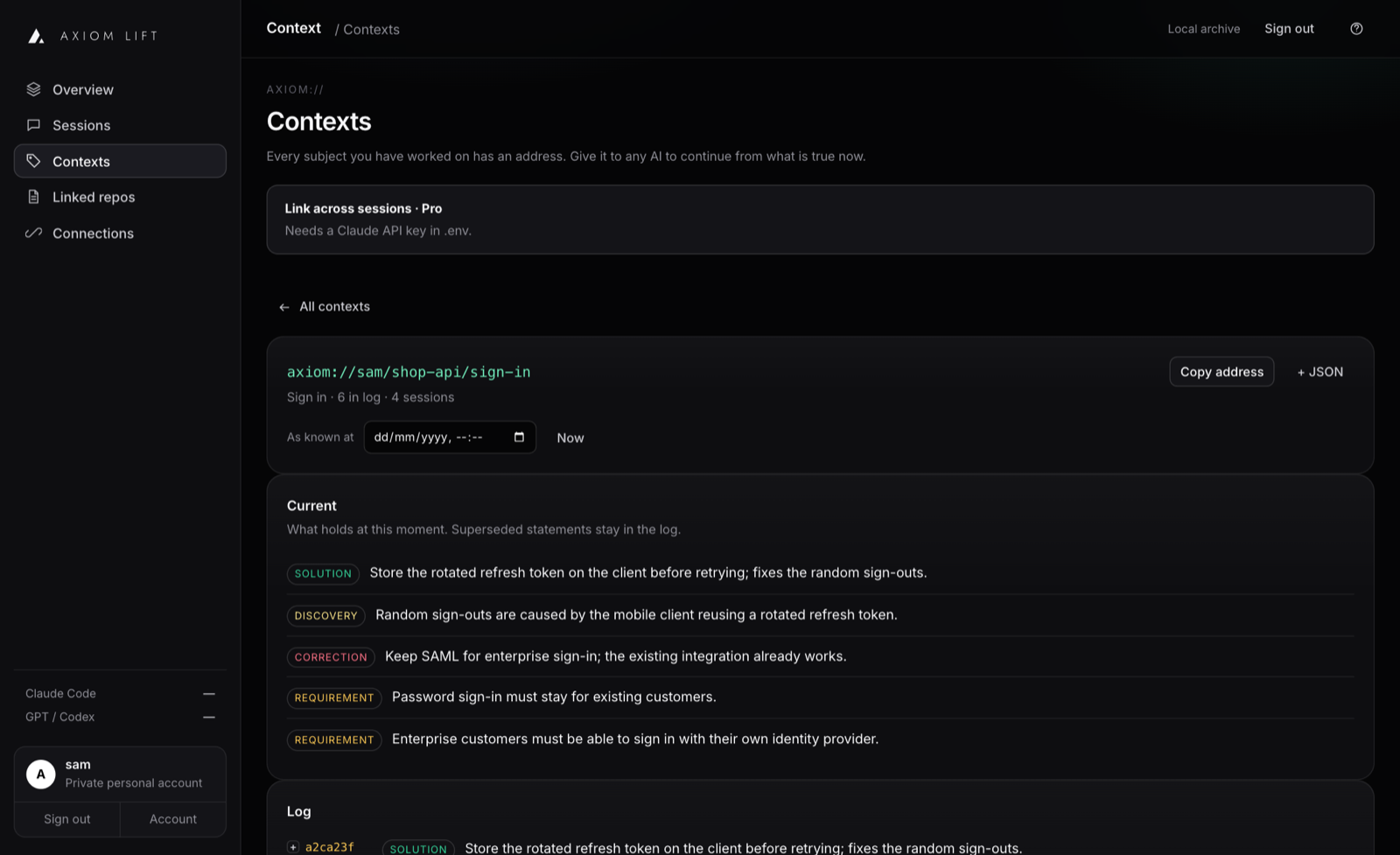
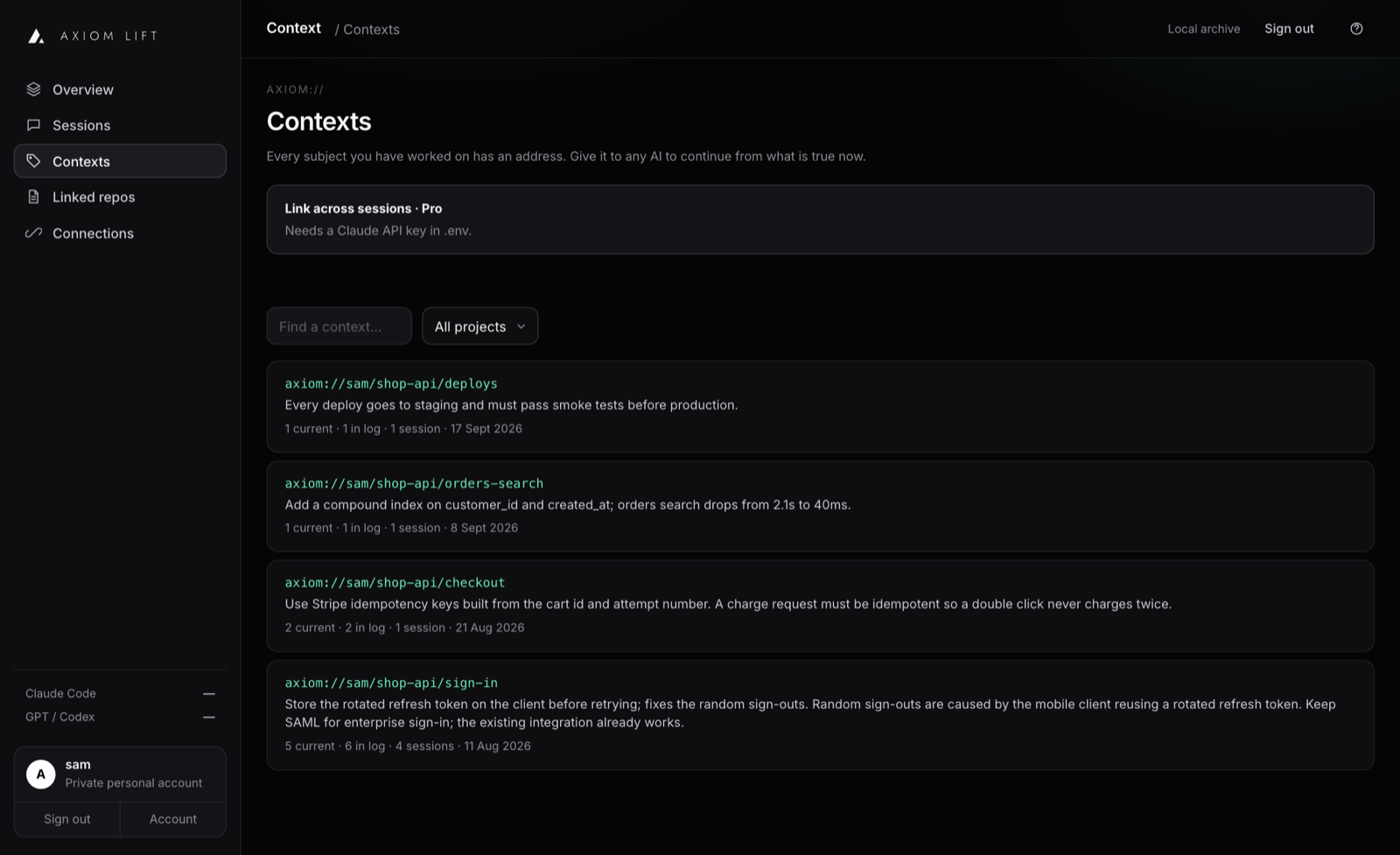
Your project’s memory, as a log.
Everything you and your AI worked out, kept in order. Change your mind and the old decision is struck through, never erased, with a link back to the exact moment it was said.
One command. Then you just work.
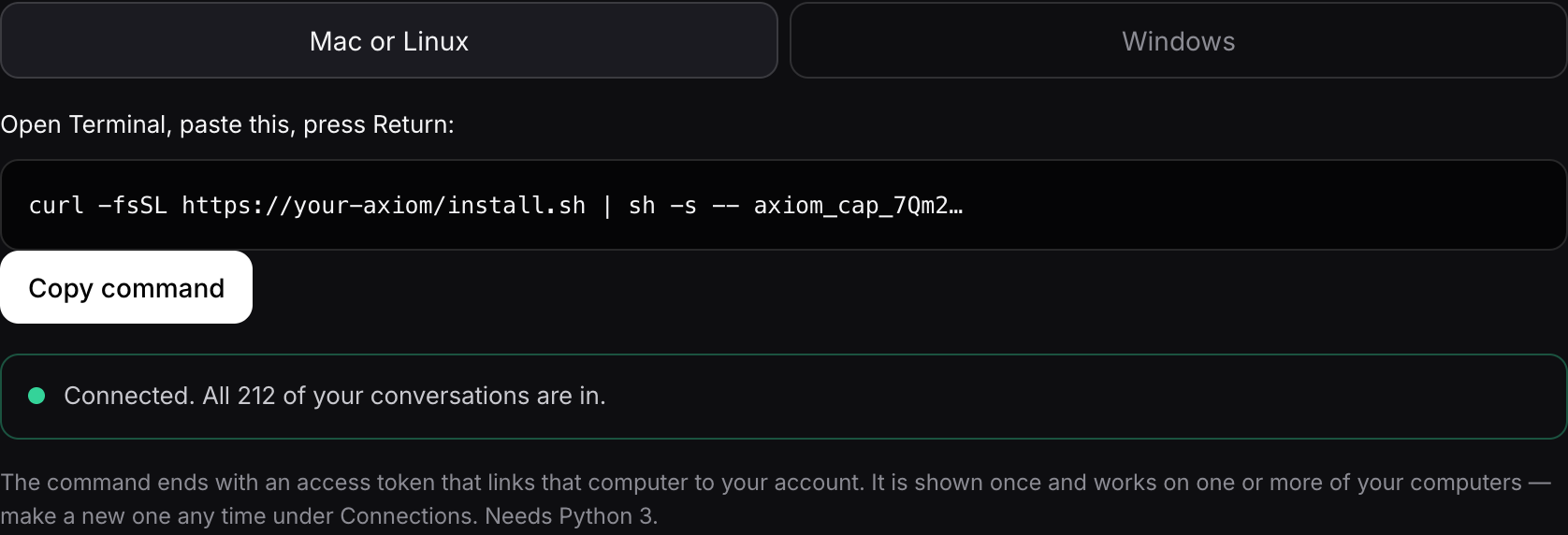
Paste one line
Sign up and paste one command. Your past conversations come in first; new ones follow as you work. Mac; Windows and Linux in beta.
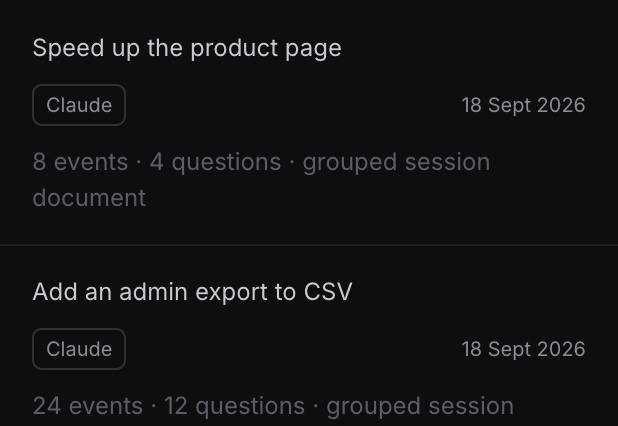
It keeps what matters
Requirements, decisions and corrections are picked out for you as you work. Nothing to tag, nothing to write up.
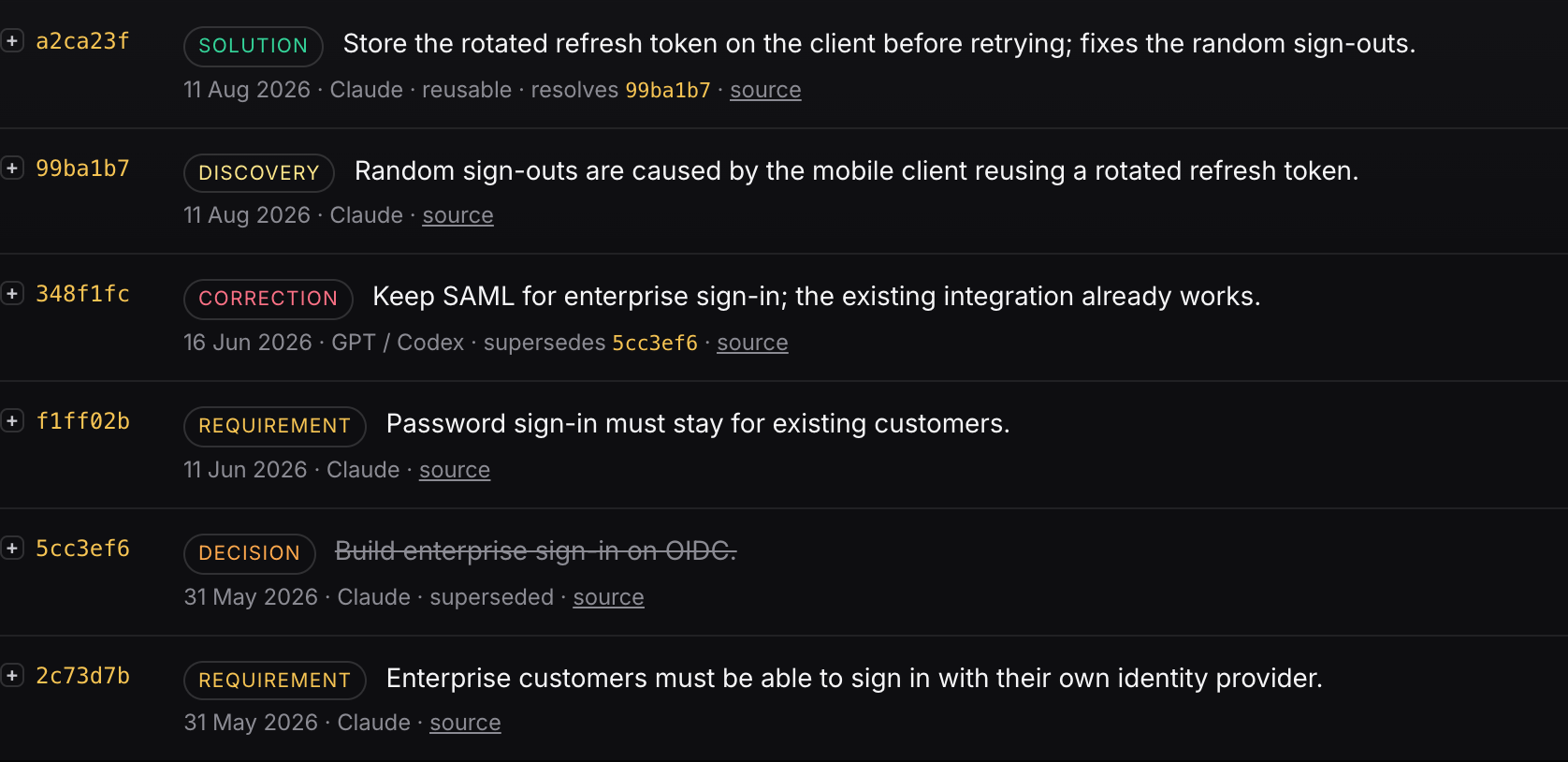
Continue anywhere
Next time, your AI asks Axiom and starts from what is true now, in any tool.
› the random sign-outs are back, this time on the tablet app. fix it
Checking Axiom for earlier work on this
axiom-context.search_context("random sign-outs")
axiom-context.get_context("axiom://sam/shop-api/sign-in")
You fixed this in August. The phone client was reusing a rotated refresh token, and the fix went into auth/refresh.ts. The tablet client has its own copy of that code and never got it. Applying the same fix there now, then running the auth tests.
A normal Codex chat. Nobody re-explained anything: the history came back from Axiom over MCP.
Ninety tokens, not ninety thousand.
Axiom never stuffs your history back into a chat. It returns the few lines that are true right now. Keys and passwords are cut on your computer before anything is sent.
Fair things to ask.
It puts a small Python program in your home folder and starts it when you sign in. It reads the session files your AI tools already keep and uploads them to your account. It never edits them. One command removes it.
A little. Before each prompt Axiom adds a few lines about what is already decided on that subject, never your whole history. You will sometimes see one short note at the end of a reply when something is decided.
You, and nobody else unless you share something. Axiom's operator can reach accounts to run and support the service, and paid jobs you start (a deep clean, reading your past history, a reconstruction) send the text they need to our AI provider (OpenAI), which does not train on it and deletes it within 30 days. The privacy page has the details. Keys and passwords are cut on your computer before anything is sent. You can scan your history and remove any words for good, and a deep clean finds names and customer details. Deleting your data does not touch the files on your computer.
Axiom tells a session you typed from one a program ran. Your conversations come first; automated runs are kept and searchable but stay out of the way.
Claude Code, Codex and OpenCode, plus GitHub for commits, pull requests and checks. Anything that keeps a session history on disk can be added.
Your tool replaces the long conversation with a short summary so it can keep going. Axiom had already saved every line before that, and captures again at the moment of compaction. The full conversation stays in your account, searchable, with the decisions filed.
In the ways that matter: a log, nothing ever erased, and you can ask what was true on any date. It tracks what you decided rather than the code, and links the two.
Stop explaining your project to your AI.
Two minutes to connect. Free.